AI for social media: create your content without being a designer
By AiKit13 min read
If you post in fits and starts because you have neither the time nor a designer, AI helps you stay consistent on social media. That way your business gains visibility without outsourcing every piece. To create content with AI, you bring your photos, your customers' questions and your judgement. The AI suggests ideas, writes the copy and creates or edits the images.
What can AI do for your business's content?
#Using AI for content marketing changes who does what. The AI prepares the idea, the copy and the image for each post, and your job is to decide what material it works with, which is what makes it sound and look like your business.
You get to all of this through an AI assistant, the app you type into. Behind it, the text is written by a language model (LLM), which works out the most likely continuation word by word; we explain this in more detail in the AI guide for SMEs.
The image, however, is made by an image model. Many start from an image of noise and clean it up, step by step, until it matches your description. To edit one of your photos, they use it as a starting point: they redo the part you ask to change, such as the background or the lighting, and try to keep the rest. That is why they sometimes change a detail you didn't ask for.
Both models work with what you give them and, for everything else, with what they learned in training, which is general. If you just ask for “a post for my business”, you get back copy and an image that any other business could have put its name to. On top of that, the text tends to come out overwrought, and your customers don't like that: it looks low-effort and makes you seem less professional.
That's why what brings the result closer is the material only you have. For the idea, who you're talking to and what your customers ask you. For the copy, posts of yours that worked, because they set your tone. For the image, the photo or the product sheet of your product.
How do you come up with post ideas and copy with AI?
#To use AI for ideas and copy that help you sell, start with what your customers already ask you. That way, your Instagram post ideas answer the questions of people who are still deciding whether to choose you.
Before you post, check prices and deadlines, because the model may round them or mix them up. If an idea needs a date or a trend and your assistant searches the internet, ask it for its sources.
If a batch doesn't work for you, don't start from scratch: say which one you're rejecting and why (“Not this one, because we don't do deliveries”).
How do you make images for your social media without a designer?
#When the images for your social media start from your own photos, your customer receives the same thing they saw in the post, because those photos already show your real product, and you don't need a designer for that.
On top of that photo, an image model does the design work: it removes the background, changes the scene, turns it into an illustration, increases the resolution for printing or puts the text into it. If you don't have a photo of something, such as a seasonal background or an illustration, the model creates it from scratch.
It seems quicker to ask it to draw your product, but the model generates a similar one, not yours, and a single different detail is enough for your customer to receive something else.
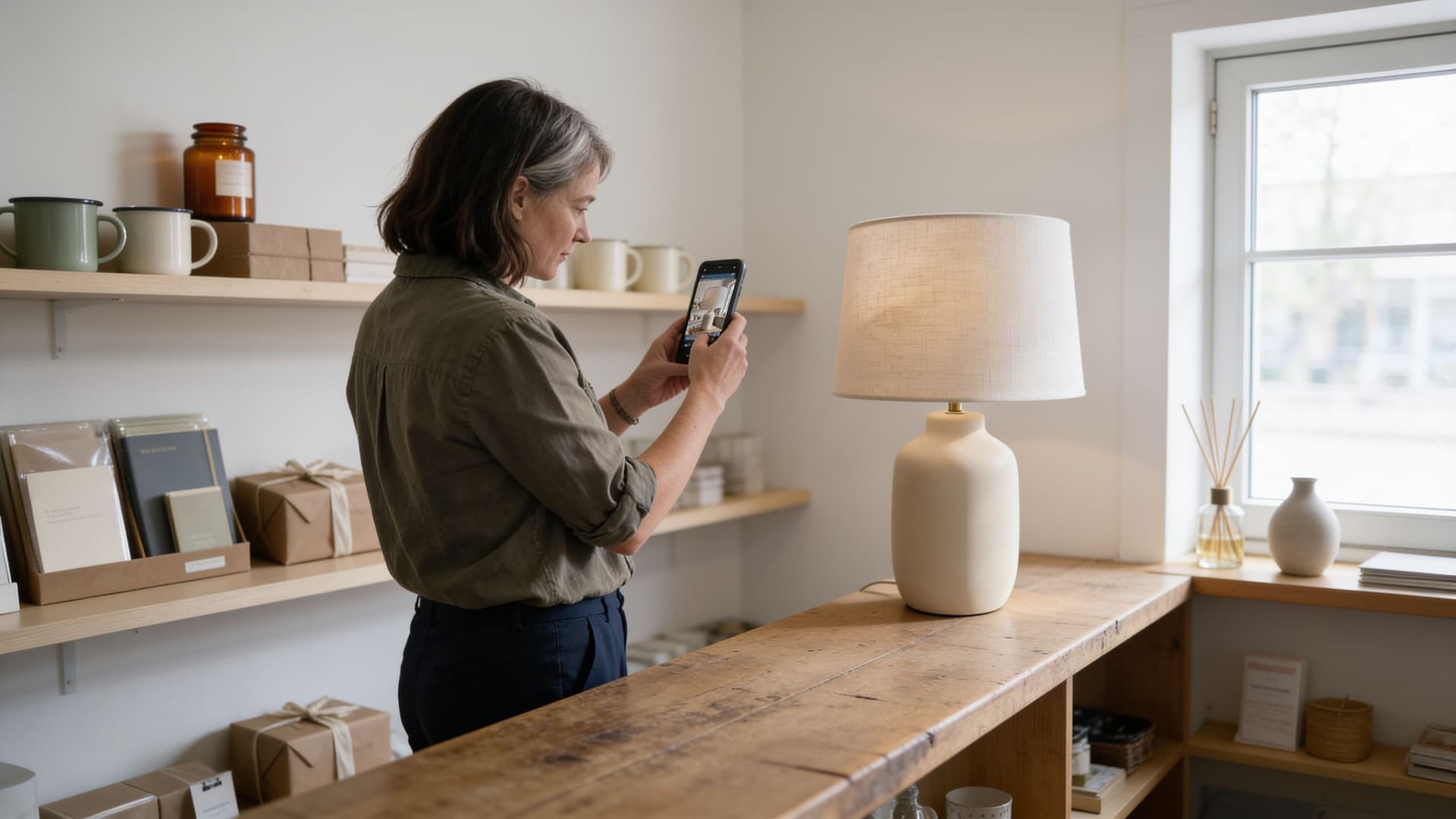
Imagine you have a gift and home décor shop. You run it with three other people, and you take the photos on your phone between customers. A lamp has just come in and you want to advertise it:
1. Change the scene. You upload the photo you took in the shop to AiKit Image and ask: “Put the lamp on a light-coloured piece of furniture, against a plain wall. Leave the left-hand side of the wall clear so I can add text later. Don't change the lamp.” That clear space lets you put text over it in a post or a story. Then compare the new scene with the original photo: the lamp's shape and colour must be the same.
2. Make the poster. Before asking for it, think about what you want to convey and what your shop is like. For a product poster, we recommend cutting the product out: ask it to remove the background and leave the lamp on its own, so it doesn't compete with the text. Then open “Edit” with the cut-out lamp and tell it: “Vertical 3:4 poster for a calm, carefully curated home décor shop. Cream and earthy colours, a serif typeface and plenty of empty space. At the top, New; in the centre, ‘Light that keeps you company.’; at the bottom, the launch offer and ‘Discover it in store’. No gradients, shine or embellishments.” If it's going in the shop window, also ask it to increase the resolution for printing. And if you already have a poster that represents you, upload it and ask it to change only the photo and the text.
3. Check the text letter by letter. An image model draws letters the same way as the rest of the image, so it sometimes gets one wrong. Check the word, the discount and the terms of the offer. If something comes out wrong, ask it to change only that text.
4. Adapt the format. In AiKit Chat, which has more formats than the Image studio, ask for the same poster in square (1:1) and landscape (16:9). The square one works for Instagram or Facebook posts and carousels, WhatsApp promotions and digital catalogue listings. The landscape one, for the screens in your shop or shop window, website banners and presentations.
How do you set up a content routine you can keep up?
#A content routine you can keep up gets you found, because on social media a business gets noticed when it keeps showing up. To keep it going, all you need is a fixed slot each week, on the day and at the time your audience is most active. Your account's statistics tell you when (for Facebook and Instagram, Meta Business Suite). A big plan is usually abandoned after a few weeks.
To make that slot cover the whole week, work with a core piece: a complete post, with its photo and its copy, from which the story, the poster or the version for another network are made. You choose the topic and the photo, and the AI changes the format, which it does well because it has all the material in front of it.
The monthly plan is also prepared in one go. With the ideas you've already come up with, you ask the AI:
The last column is your list of photos to take. Adjust the order so the topics coincide with your new products or your key dates, which the model doesn't know unless you tell it.
At the end of the month, check your statistics to see which posts got the most responses or were saved most. Give the AI a screenshot of them and ask what they have in common (topic, type of photo and tone). Ask it for a variant of each one too. That way the next plan starts from your own data and not from what's most likely.
Posting is still down to you: you can schedule all the pieces in a single session from the network itself or, for Facebook and Instagram, from Meta Business Suite.
This table spreads a core piece across the usual formats for an SME. The Image studio works in 4:3, 1:1 and 3:4; you ask for any other aspect ratio in Chat.
| Format | Image aspect ratio | Prompt for the AI |
|---|---|---|
| Feed post (Instagram, Facebook) | 1:1 or 4:5 | “You are the person who runs my business's social media. With this photo and this text, prepare the feed post in 4:5. A caption of five lines at most, with a question at the end. If any information is missing, ask me.” |
| Instagram or Facebook story | 9:16 | “Adapt this post into a 9:16 story. A single sentence over the image. Leave the top and bottom strips clear, because that's where the network puts its buttons.” |
| WhatsApp status | 9:16 | “Adapt this image to 9:16 for a WhatsApp status. A short sentence at the top and the bottom part clear. Don't change the product.” |
| WhatsApp message to your customers (broadcast list or channel) | 1:1 (image optional) | “Summarise this post as a WhatsApp message for customers. Three lines at most, a friendly tone and no links. End by saying how to order or book it. If any information is missing, ask me.” |
| Instagram Reel or TikTok video | 9:16 (cover) | “Write the script for a short video based on this post. Three shots I can film on my phone and one sentence for each. Also prepare the cover in 9:16.” |
| Poster for the shop window or counter | 3:4 | “Turn this photo into a vertical 3:4 poster. The main message at the top and the price at the bottom, in large type: [price]. Increase the resolution for printing.” |
| LinkedIn post | 1:1 | “Rewrite this post for LinkedIn with a more professional tone. Explain the why behind the product, not just the product. Six lines at most. If any information is missing, ask me.” |
What shouldn't you hand over to AI?
#You shouldn't hand over to AI anything that depends on your history with a customer or on what is true about your product. The model only generates what's likely from what you give it.
What do you need to apply this in your business?
#Every step in this guide calls for an AI that works with your material and handles both text and images, because the core piece and its formats all come from the same photo.
AiKit works like this. In the same tool you have several of the AI models on the market for text and images, and each person on the team is connected only to the parts that concern them. To bring AI into other areas, go back to the AI guide for SMEs.